

01
What meeting management should include
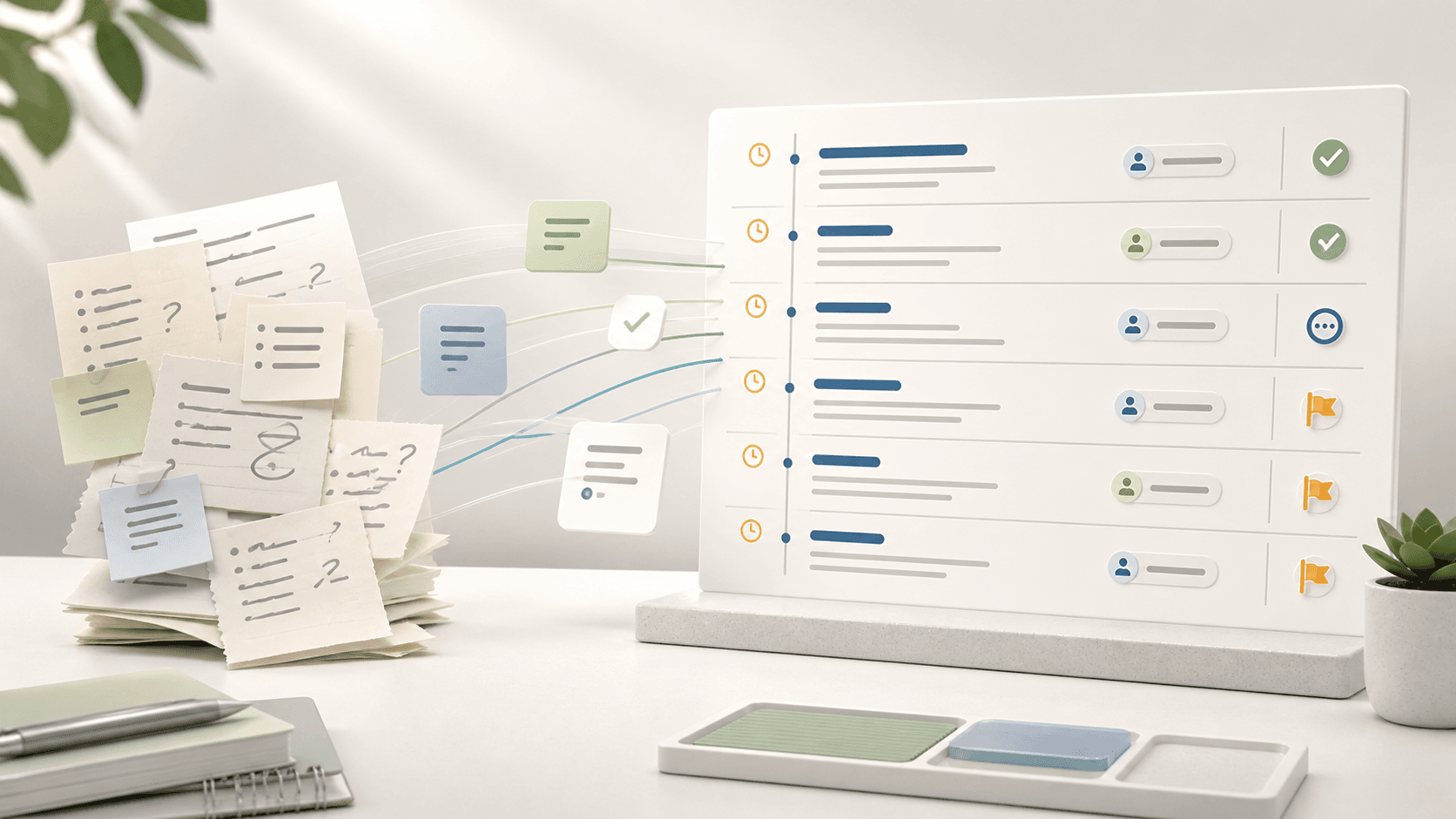
The meeting is only one moment in the board cycle. Useful software starts before the meeting with agenda planning and materials, then continues after the meeting with minutes, decisions, and actions.
If the tool only schedules a meeting or stores files, it is not enough for board meeting management.
02
Worked example: monthly scaleup board
A scaleup runs a monthly board meeting with seven directors, three executives, and two recurring committees. The board pack changes after finance closes, minutes are drafted after the meeting, and action owners need reminders before the next meeting.
A meeting management workflow turns that into one cycle: draft agenda, attach papers, circulate pack, record decisions, approve minutes, assign actions, and review open items next month.
| Stage | Manual process | Meeting management software |
|---|---|---|
| Before | Email agenda and PDF pack | Agenda and materials in one meeting workspace |
| During | Notes in a separate document | Decisions and action candidates captured from agenda context |
| After | Minutes and actions chased manually | Approval workflow and assigned action owners |
| Next meeting | Open items rebuilt from memory | Actions and decisions carry forward automatically |
03
Meeting tool comparison
Calendar, video, document, and project tools all help with pieces of a board meeting. A board meeting management platform is different because it keeps the governance record connected.
The question is whether the tool manages the board meeting or only supports one surrounding task.
| Tool type | Good for | Missing for boards |
|---|---|---|
| Calendar tool | Scheduling | Board pack, minutes, decisions, and audit history |
| Video meeting | Live conversation | Structured agenda, approvals, and records |
| Shared drive | File storage | Meeting context and decision follow-up |
| Board meeting software | Full cycle | Should connect preparation, meeting, and follow-up |
Where BoardKite helps
BoardKite connects board meeting preparation, packs, live agenda flow, minutes, decisions, and actions in one governance workflow.
04
Full-cycle evaluation checklist
A board meeting management system should be evaluated across the whole cycle, not just the agenda screen. The strongest products reduce work before the meeting and make the post-meeting record easier to approve.
Ask each vendor to demonstrate one meeting from planning through follow-up. If the demo jumps from agenda creation to a polished archive without showing revisions, approvals, or action carry-forward, the operational burden may still sit with the admin team.
| Cycle stage | Question to ask | Evidence |
|---|---|---|
| Plan | Can the agenda show owners, timing, purpose, and papers? | Draft agenda with item-level metadata |
| Prepare | Can directors see changed materials before the meeting? | Revised pack with clear current version |
| Meet | Can decisions and action candidates be captured from agenda context? | Decision record linked to item |
| Approve | Can minutes move from draft to final without email confusion? | Approval status and final record |
| Follow up | Can actions return in the next board cycle? | Open action list by owner and due date |
05
What not to replace
Board meeting management software should not necessarily replace every tool around the board. Calendar, video conferencing, source document drafting, and finance systems may stay where they are. The board system should own the governed meeting record.
That distinction matters during implementation. Trying to migrate every source file or operational workflow can slow adoption. A cleaner rollout keeps source work in existing systems and moves circulated board packs, agendas, minutes, decisions, and actions into the board workflow.
- Keep source spreadsheets in finance tools until they become board papers
- Keep video meetings in the existing video provider if directors already use it
- Move circulated packs and approved records into the board workspace
- Move decisions and actions out of personal notes and inboxes
- Use integrations where possible instead of recreating every workflow
06
Signals you need it
Board meeting software becomes useful when coordination work starts taking more energy than the meeting itself.
Look for repeated friction: late agendas, wrong pack versions, unclear decisions, slow minutes, and action items that vanish between meetings.
- Meeting materials change after circulation
- Directors ask where the latest pack is
- Minutes approval takes too long
- Decisions are hard to retrieve
- Action owners are unclear before the next meeting
Where BoardKite helps
BoardKite helps teams run the complete board meeting cycle without splitting agendas, packs, minutes, decisions, and actions across separate tools.
07
Implementation success metrics
The business case for board meeting management software should be measured in board-cycle outcomes, not just feature adoption. The tool is working when the admin team spends less time chasing materials and directors spend less time asking where things are.
Measure one or two meetings before rollout, then compare the same metrics after the first full cycle. This keeps implementation focused on practical improvement instead of a broad tooling project.
| Metric | Why it matters | Healthy signal |
|---|---|---|
| Pack preparation time | Shows admin load | Fewer manual assembly and revision steps |
| Director support questions | Shows preparation clarity | Fewer questions about links, versions, and agenda context |
| Minutes cycle time | Shows post-meeting discipline | Draft, correction, and approval happen on schedule |
| Action carry-forward | Shows continuity | Open actions appear in the next board cycle automatically |