

01
Agenda builder vs document template
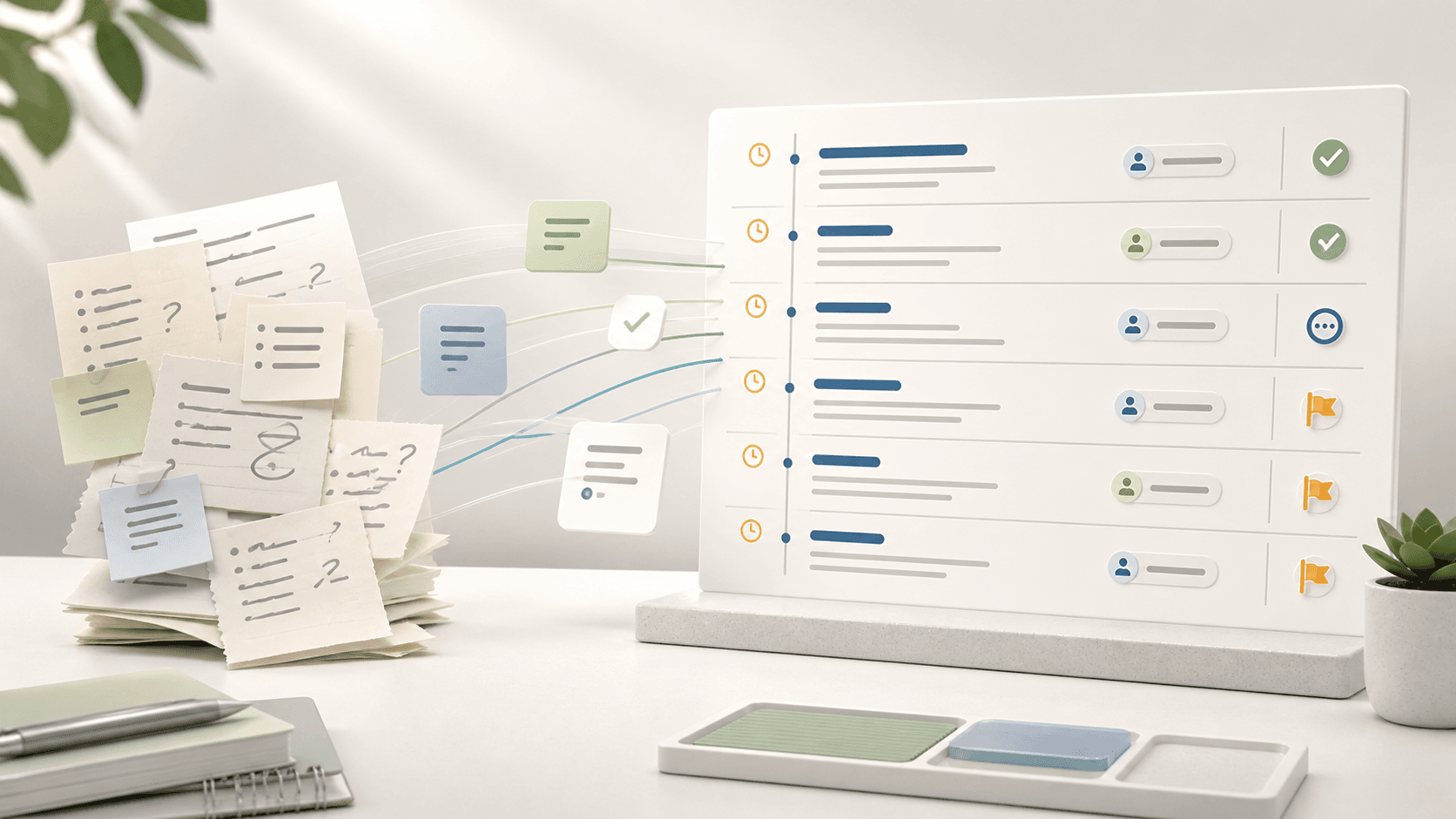
A document template helps you write an agenda. A board agenda builder helps you run the board cycle around that agenda.
The difference matters when materials change, directors need to prepare, decisions must be recorded, and minutes need to connect back to the agenda.
| Need | Template | Agenda builder |
|---|---|---|
| Structure | Static headings | Reusable agenda sections, purposes, owners, and timing |
| Materials | Links or attachment list | Papers attached to specific agenda items |
| Meeting output | Manual notes | Minutes, decisions, and actions flow from the meeting context |
| Governance record | Saved file | Searchable agenda, pack, decision, and approval history |
02
Worked example: Series A board agenda
A Series A startup needs a two-hour board agenda covering cash runway, product metrics, hiring, investor updates, and one pricing decision. Without a builder, the meeting owner copies last month’s document and manually adds links.
With an agenda builder, each item has a purpose, owner, time box, attached paper, and expected outcome. The pricing discussion is marked as a decision, so the result can be captured into minutes and follow-up actions.
- Cash runway: discussion, CFO, 20 minutes
- Product metrics: information, CEO, 15 minutes
- Hiring plan: discussion, COO, 20 minutes
- Pricing change: decision, CEO, 35 minutes
- Actions: follow-up review, chair, 10 minutes
03
Must-have features
The core feature test is whether the builder reduces ambiguity before the meeting and preserves decisions after it.
Avoid agenda tools that only produce a pretty outline but leave board packs, minutes, decisions, and actions in separate tools.
| Feature | Why it matters | Demo evidence |
|---|---|---|
| Purpose labels | Directors know whether to read, discuss, approve, or decide | Agenda shows item purpose clearly |
| Attachment by item | Papers stay tied to the topic they support | Board pack generated from agenda items |
| Timing and owner | The chair can run the meeting with discipline | Presenter and time box visible |
| Decision capture | Board outcomes do not disappear into notes | Decision record created from agenda item |
Where BoardKite helps
BoardKite connects agenda items to board packs, decisions, minutes, and action items so the agenda becomes the spine of the meeting record.
04
Vendor demo script
The best way to evaluate a board agenda builder is to ask every vendor to run the same meeting scenario. Do not accept a demo that only shows a clean finished agenda. Ask to see how the agenda changes, how papers attach, and how decisions move into the record.
Use a realistic board week: the CFO uploads an updated finance pack, the chair changes the order, a committee paper is restricted, and the CEO adds a late decision item. The tool should keep directors oriented without forcing the admin team to rebuild the pack manually.
| Demo task | What to look for | Weak sign |
|---|---|---|
| Create agenda from template | Reusable sections, owners, timing, purpose labels | Static document copied from last meeting |
| Attach revised paper | Directors can see the current version against the right item | Updated file sits in a separate folder |
| Restrict committee material | Access follows role and meeting context | Everyone with the link can open it |
| Capture decision | Decision flows into minutes and actions | Decision remains a note in free text |
05
AI agenda builder considerations
AI can help propose agenda items from prior actions, recurring reports, committee notes, or the last board pack. That is useful, but the board agenda still needs human ownership. The chair, CEO office, or governance owner should confirm the final sequence, decision labels, papers, and time allocation.
For board work, the question is not whether AI can generate headings. The useful test is whether suggestions are grounded in the board's own meeting history and whether sensitive materials are handled according to the organization's security and retention expectations.
- Ask whether AI suggestions use only approved board context
- Check whether directors can see why an item was suggested
- Keep human approval before agenda circulation
- Avoid sending confidential board papers into unmanaged tools
- Confirm retention and deletion behavior for AI-assisted drafts
06
When to use software
A simple document is fine for informal meetings. Use agenda software when the board pack changes often, directors need clearer preparation, or decisions and minutes need stronger traceability.
The trigger is not meeting size; it is recurring process friction.
| Use a document when | Use an agenda builder when |
|---|---|
| The meeting is informal and low-risk | The meeting creates formal decisions or approvals |
| Materials are stable and few | Papers change after circulation |
| No one needs an audit trail | The board needs minutes, decisions, and actions linked |
| One person attends and records everything | Multiple presenters and committees contribute papers |