

01
What to capture
Minutes should record what was decided, who was present, and the key facts that support the decision — not a blow-by-blow account of the discussion.
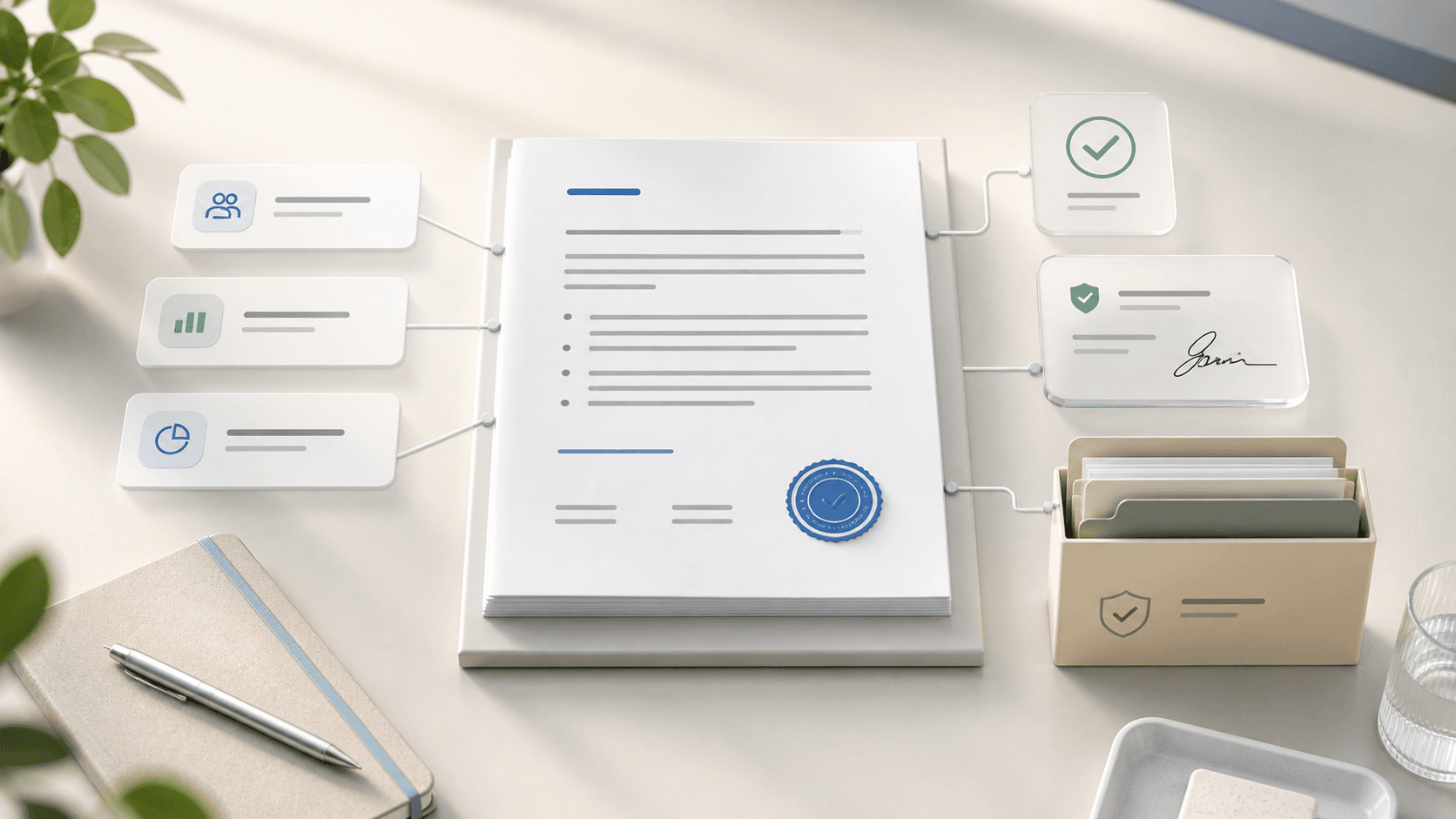
Think of minutes as a durable governance record. A reader who was not in the room should be able to understand the official outcome, the authority for the decision, and any follow-up that came out of it without reading a transcript.
- Meeting name, date, location or video context, and start/end time
- Attendance, absences, guests, recusals, and quorum confirmation
- Agenda items covered and materials reviewed
- Motions, who made and seconded them, and the vote outcome
- Material facts the board relied on to decide
- Action items created, with owners and due dates
02
What to leave out
Avoid recording verbatim debate, personal opinions attributed to specific directors, or draft numbers that were later revised in the same meeting. Overly detailed minutes create legal and reputational risk without adding governance value — the goal is an accurate record of outcomes, not a court transcript.
A useful test is whether a detail explains the decision or merely recreates the conversation. If it does not clarify the final action, vote, conflict, or evidence considered, it probably belongs in internal notes rather than approved minutes.
- Verbatim discussion unless legally required
- Side comments, speculation, or informal disagreement
- Unapproved draft numbers that were corrected during the meeting
- Sensitive legal advice beyond the official privilege-preserving record
- Attribution of individual opinions unless the record requires it
03
Use a consistent minutes format
A consistent format helps directors review minutes faster and makes the record easier to search later. The format should match the agenda structure so each decision, attachment, and follow-up action has a clear place.
Most boards can use the same basic structure every cycle: meeting details, attendance, approval of prior minutes, agenda sections, decisions or motions, action items, executive session notes if applicable, and adjournment.
- Header: organization, meeting type, date, time, and location
- Attendance: present, absent, guests, roles, quorum, and recusals
- Agenda record: each item with concise discussion summary and outcome
- Decision record: motion text, mover/seconder, vote, and owner
- Action register: owner, due date, and link back to the decision
- Approval record: draft date, reviewers, approval status, and signatures
Where BoardKite helps
BoardKite's minutes editor follows this shape by default — organized by agenda item, with a structured decision and action record instead of a blank text box — so the format stays consistent meeting after meeting without anyone maintaining a template by hand.
04
Keep the approval workflow moving
Draft minutes while the meeting is still fresh — ideally within a few days — and route them for review before the memory of what happened fades. A consistent approval workflow with clear status (drafted, under review, approved) prevents minutes from quietly piling up unapproved for months.
The approval process should be explicit about who can edit, who can comment, who can approve, and when the approved version becomes locked. Without that clarity, teams often end up with multiple versions of the same minutes in email attachments.
- Draft minutes soon after the meeting while context is fresh
- Route one controlled draft for review instead of circulating separate files
- Resolve comments before approval rather than after signatures
- Record approvals and signatures in the same place as the minutes
- Lock the approved version and keep draft history separate
Where BoardKite helps
BoardKite tracks minutes through exactly that status line — drafted, under review, approved, signed — as one controlled version instead of competing email attachments, and the approved record locks while draft history stays available separately.
05
Where AI-assisted minutes help
AI-assisted minutes are most useful for creating the first draft from a transcript and mapping discussion back to agenda items. That saves time, but it does not remove the need for review by the person accountable for the official record.
The safer workflow is transcript first, draft second, human review third, approval last. The final minutes should reflect what the board decided, not every sentence in the transcript or every suggestion from an AI model.
- Use transcription to reduce manual note-taking gaps
- Generate a first draft organized by agenda item
- Review names, motions, vote outcomes, and action owners carefully
- Remove unnecessary conversational detail before approval
- Keep the approved record separate from the AI draft and raw transcript
- Draft using whichever AI provider your organization has configured — the hosted default or your own key
Where BoardKite helps
This is BoardKite's minutes workflow: transcription is opt-in per meeting via the Recall.ai plugin or an uploaded VTT, SRT, or text file, the draft is organized by agenda item using whichever AI provider your organization has configured, and it stays separate from the approved record until a person signs off.
06
Retention and historical continuity
Keep an unbroken, searchable record of approved minutes going back as far as practical, including any historical minutes migrated from a previous system. A new director or auditor should be able to find what was decided at any past meeting without digging through email archives.
Retention is not only about storage. It is also about preserving context: the agenda, supporting materials, decisions, votes, signatures, and follow-up actions that explain why the minutes say what they say.
- Store approved minutes with the related meeting and agenda
- Keep supporting board materials linked to the relevant agenda item
- Preserve signature and approval evidence
- Import historical signed minutes when moving systems
- Make prior decisions searchable by topic, owner, and meeting date
Where BoardKite helps
In BoardKite, that record stays encrypted at rest with a per-organization key for as long as you retain it, and stays connected to the agenda, decisions, and actions it came from rather than becoming an isolated PDF — useful when an auditor, new director, or your next AGM needs the history behind a specific decision.